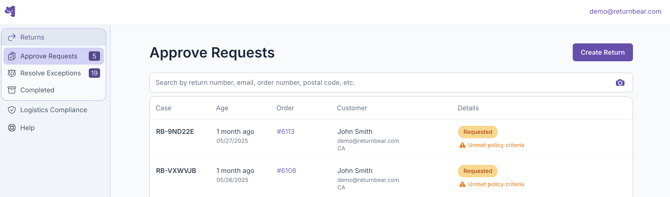
To view all pending return requests, click on Approve Requests under Returns:
When you click on a return that appears under Approve Requests, you will be able to view its details and decide whether or not you would like to approve the return request.
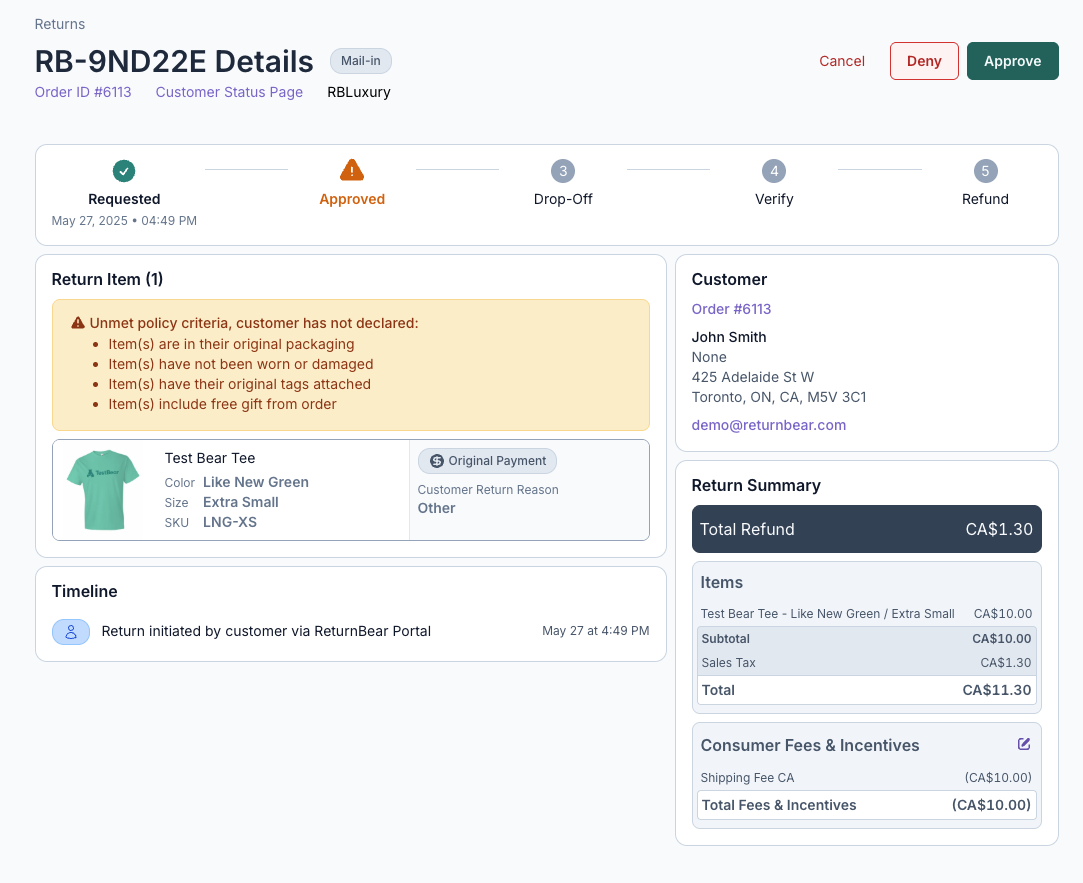
Once you have made your decision, click either:
- Cancel to cancel the return request
- Deny to deny the return request
- Approve to approve the return request
When denying a return request, you will be prompted to provide optional further details regarding the reason for the return's denial.
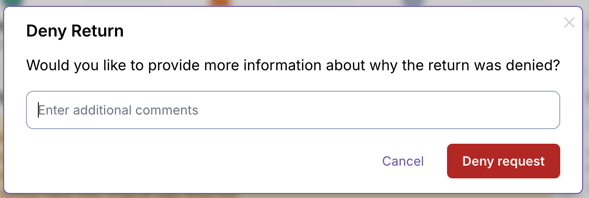
Click Deny request to confirm the return request's denial or Cancel if you no longer wish to deny the request.
After a return request is denied, an email is sent to the customer informing them that their request was denied. This prevents the customer from requesting a new return for the items.
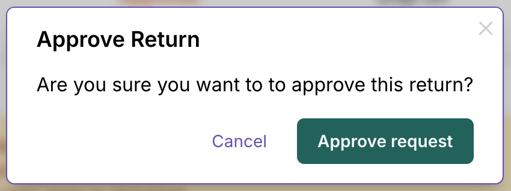
When approving a return request, you will be prompted to confirm your choice by clicking Approve request before the request's approval is finalized.