
The ReturnBear Merchandise Authorization (RMA) Portal is not currently available to merchants who offer Exchanges. For the portal applicable to you, click here.
The ReturnBear Merchandise Authorization (RMA) Portal can be accessed by:
- Customers from a link on your website
- Merchants through the Create Return button in the ReturnBear Admin
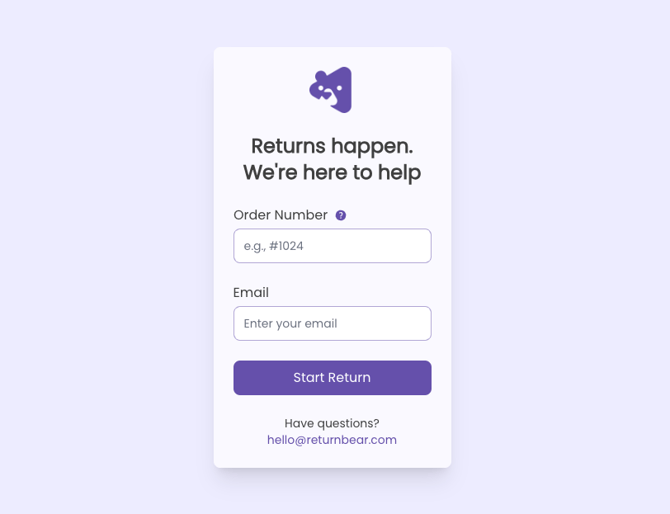
The ReturnBear RMA Portal is fully customizable. The colour scheme, logo, font, and background image can all be tailored to match your brand.
Return requests are created in 5 steps:
- Locate Order
- Select Items
- Return Service
- Payout Method
- Review
For a step-by-step walkthrough of how to use the ReturnBear RMA Portal, click here.